USB-C Charging Cable vs Data Cable: Read the Specs
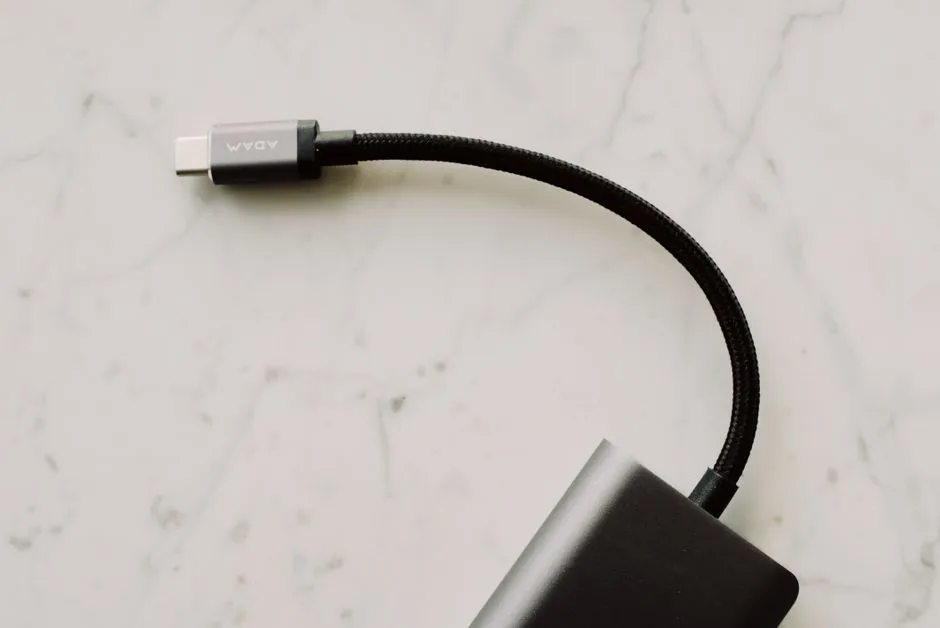
- Is a USB-C charging cable different from a data cable?
- What are the three separate questions?
- Can a charge cable transfer files?
- Can a lower-wattage cable have faster data?
- What do the current cable markings tell you?
- What does a monitor connection need?
- How do you choose for your actual task?
- When should you stop checking and seek service?
- Sources
Is a USB-C charging cable different from a data cable?
“Charging cable” and “data cable” are not mutually exclusive categories. A USB-C cable can support charging and data while lacking the video capability you need. Check power, data rate and display support separately, then match the exact devices and ports. Follow manufacturer instructions; stop using damaged, loose, unusually hot or sparking equipment, isolate power only if safe, and seek qualified service rather than modifying a cable or connector.
The plug shape is the starting point, not a complete specification. This guide reads published capabilities; it does not report hands-on cable testing or certify a particular setup.
What are the three separate questions?
Before comparing cables, name the job. Charging a laptop, copying files from storage and connecting a monitor are different tasks, even when the connectors look identical.
| Capability | What to find in documentation | What it does not establish |
|---|---|---|
| Power | Supported charging power and compatibility with the required charging system | Data rate, video support or the power your laptop will actually receive |
| Data | Supported transfer standard and stated maximum rate | A promised file-copy speed or display connection |
| Video | Supported display transport and relevant device compatibility | Compatibility with every monitor, resolution or refresh rate |
A product description that answers only one column leaves the other questions open. Do not change “not specified” into either “supported” or “impossible”.
For the adapter side of the decision, use our replacement laptop-charger guide. Here, the cable gets its own evidence check instead of being treated as an unspecified accessory in the box.
Can a charge cable transfer files?
Yes, when its documented capabilities include data. Apple's 240W USB-C Charge Cable, 2 m is a concrete example: the product page describes charging up to 240 watts and data transfer at USB 2 rates. Its charging-oriented name does not mean it carries no data.
Apple's separate Thunderbolt Pro cable explanation says the Apple USB-C Charge Cable's data rate is limited to 480Mbps and that it does not support video. That describes Apple's stated cable comparison, not every cable sold with “charge” in its name.
A file-transfer requirement should therefore specify the devices and supported data standard. “It charges my phone” does not answer whether it suits an external storage device's intended connection.
Can a lower-wattage cable have faster data?
Yes. Power capability and data capability are separate specifications. These published Apple examples show why neither number should stand in for the other.
| Named example | Published charging capability | Published data capability |
|---|---|---|
| Apple 240W USB-C Charge Cable, 2 m | Up to 240W | USB 2 rates |
| Apple Thunderbolt 4 Pro Cable | Up to 100W | Up to 40Gbps for Thunderbolt 4, Thunderbolt 3 and USB4; up to 10Gbps for USB 3.2 Gen 2 |
The second row comes from Apple's support comparison, which also documents DisplayPort High Bit Rate 3 video output. Read those as separate capabilities, not simultaneous performance promises.
These are specification examples, not ranked recommendations or measured results. The selected computer and peripheral must support the relevant mode. A cable's maximum does not guarantee that an application, storage device or complete connection will reach it. No price comparison or claim about a buyer's actual transfer time follows from this table.
What do the current cable markings tell you?
The USB Implementers Forum's cable page gives rules for cables entering its compliance program. USB-C-to-USB-C cables must carry the appropriate 60W or 240W power marking. All except High-Speed USB/USB 2.0 cables must also carry their supported data-rate marking; the USB 2.0 group may add its applicable USB symbol.
This is certification-program scope, not a claim that every cable in a shop follows those rules. A marketplace photograph or printed mark alone does not authenticate a cable or establish its certification status. Match the exact product to its manufacturer's documentation and verify any certification claim through the relevant certification program.
USB-IF also warns that cable certification does not increase the capabilities of connected products. A power marking cannot supply a missing display feature in a computer.
Do not classify an older cable as unsafe solely because its label differs from a current program rule. If its identity or capability cannot be established, obtain manufacturer clarification or choose a documented compatible replacement; do not use an unknown cable as a load-testing experiment.
What does a monitor connection need?
Start with the exact computer port, monitor input and proposed connection method. VESA's DisplayPort-over-USB-C explanation describes DisplayPort's use of the USB-C Alternate Mode mechanism. It is a supported display function, not something conferred by the oval connector alone.
Look for explicit documentation of the required display path across the source, cable and display. If a dock or adapter is involved, include its compatibility requirements. Do not assume that a working charging connection establishes a working video path.
Avoid buying solely on an undefined “video cable” label. Record the intended display resolution and refresh rate, and check the manufacturers' supported configuration. This is a documentation task, not a reason to alter firmware or force a connection.
How do you choose for your actual task?
Use this original task-to-evidence worksheet. It deliberately avoids a single “best cable” score.
| Your task | Evidence to collect before choosing | Question that remains separate |
|---|---|---|
| Laptop charging | Exact laptop input requirements, supported source and cable power capability | Does the same cable carry the data or display mode you need? |
| External storage | Host and storage interface, supported cable standard and rate | What charging power, if any, does the overall setup require? |
| One-cable monitor desk | Host display support, cable display specification, monitor input and any dock requirements | Does the monitor or dock supply the laptop's required charging power? |
For example, the storage row is not completed by finding a large wattage on a cable. Conversely, finding a high data-rate specification does not finish the laptop-charging row.
Keep the product identifier, length and source page with the record. Do not assume another length or a similarly named variant has identical capabilities. Mark missing fields “unconfirmed” and ask the manufacturer the specific question before relying on the purchase.
When should you stop checking and seek service?
Documentation cannot clear physical damage for use. Stop for exposed wiring, damaged contacts, persistent looseness, unusual heat, burning smells, sparking or abnormal electrical noise. Do not touch exposed parts. Isolate power only if safe, and seek the manufacturer's service route or qualified assistance.
Apple's USB-C charging support specifically says to stop using a cable that charges a Mac only when moved and have the cable and power supply evaluated. That is not an instruction to wiggle a suspect cable to diagnose it.
Do not open an adapter, splice a lead, bend contacts, insert tools into a port or perform mains work. Follow the exact equipment instructions; mains or outlet work belongs to a qualified electrician.
Keep power questions in Portable Power and connection questions in Connection Clinic. The useful outcome is a cable whose documented capabilities match the intended task, with the whole device path checked—not a cable assumed to do everything because it fits.
Sources
- USB-IF: Cables and Connectors — current compliance markings and certification limits.
- Apple: 240W USB-C Charge Cable, 2 m.
- Apple: Thunderbolt Pro Cables.
- VESA: DisplayPort over USB-C — Alternate Mode concept, not current maximum-power guidance.
- Apple: USB-C charging and cable service.
Sources checked September 8, 2026. Tables organize published specifications and original editorial questions; no device test was performed.